USB data recovery software is needed to recover data in case of USB formatting, corruption, or unrecognizability. But not all software works in all scenarios. Operating system support, file system, preview feature, advanced data recovery, dual scan mode, etc., are a few features that one must look into while choosing the best one. To make your search easier, we have self-tested and listed the top 10 USB flash data recovery software along with their key features and pricing.
Here is a side-by-side comparison table to check the top USB flash recovery software:
Almost all paid recovery tools use the exact same fundamental scanning technique: they look for leftover file signatures on the drive, and if data has not been overwritten, they will almost all find the exact same files. But there are a few USB flash data recovery software programs that stand out with user-friendly interfaces and scanning capabilities.
To help you choose the best tool, this section evaluated 10 leading solutions. We look at everything from free tools like Recuva to advanced systems like Notchox to ensure you pick the right one.
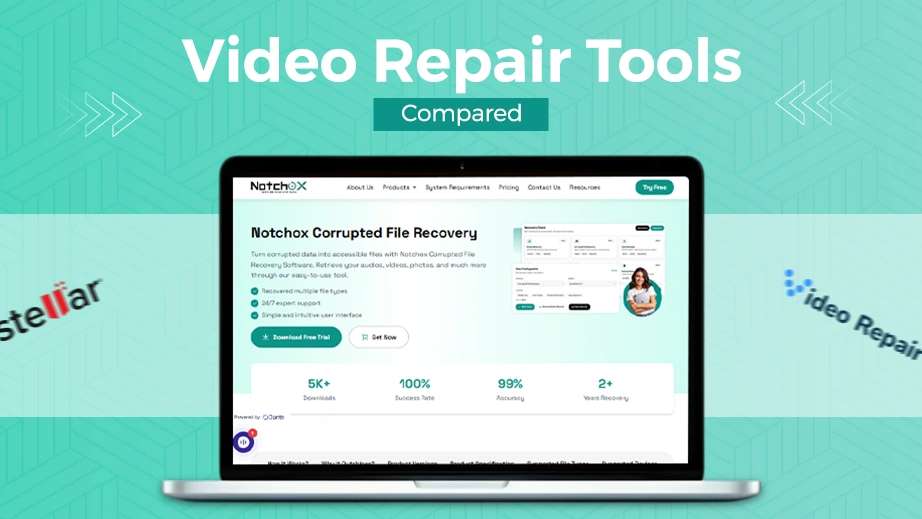
Notchox Data Recovery Software
Notchox Data Recovery Software is widely considered the best choice for USB flash drive retrieval due to its unmatched balance of speed, modern algorithms, and non-technical simplicity. Standard tools might not be able torecover data from RAW partitions or corrupted sectors. Notchox safely bypasses system blockages to extract data quickly without changing drive integrity.
Key Features:
Advanced deep scan technology that inspects drive sectors for fragments.
Restores unallocated or corrupted files easily.
Industry-leading recovery accuracy with a 99% proven success rate.
Instant within-software file preview feature.
Supports restoration for over 1000+ file extensions.
How to recover data using Notchox recovery software for USB drive:
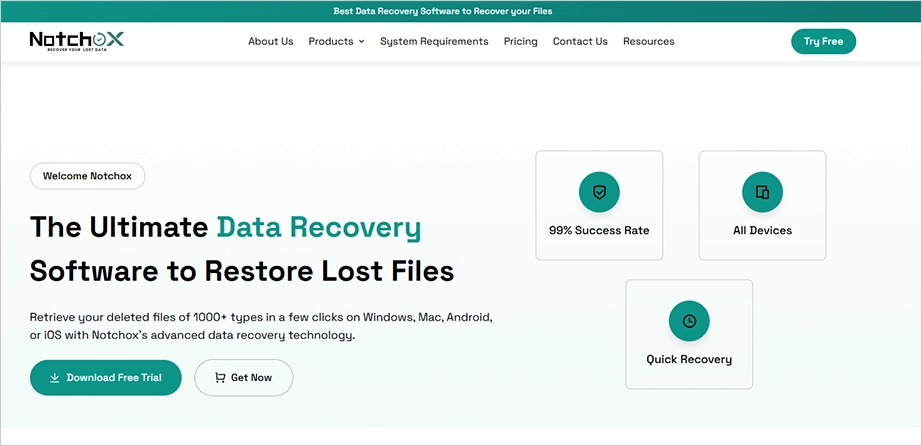
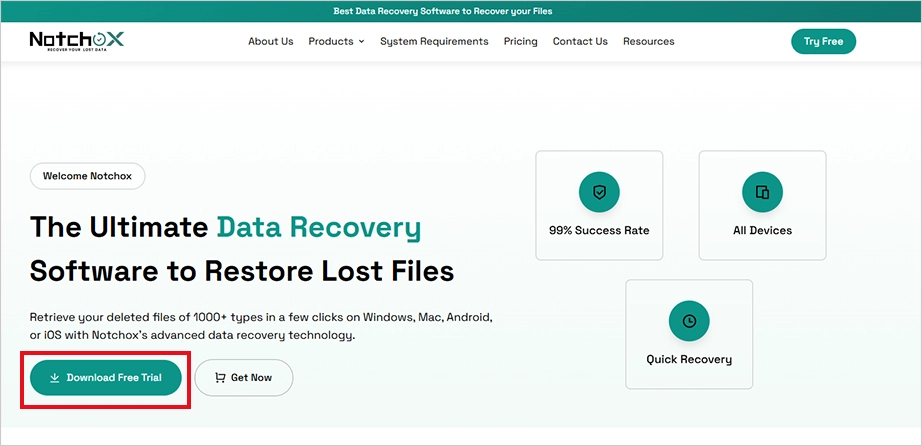
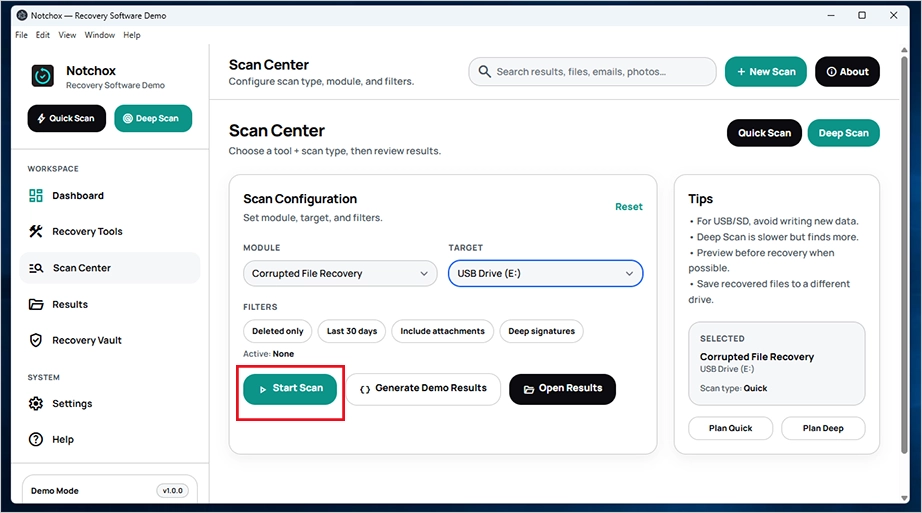
Download and install the software from the Notchox website according to your system specifications.
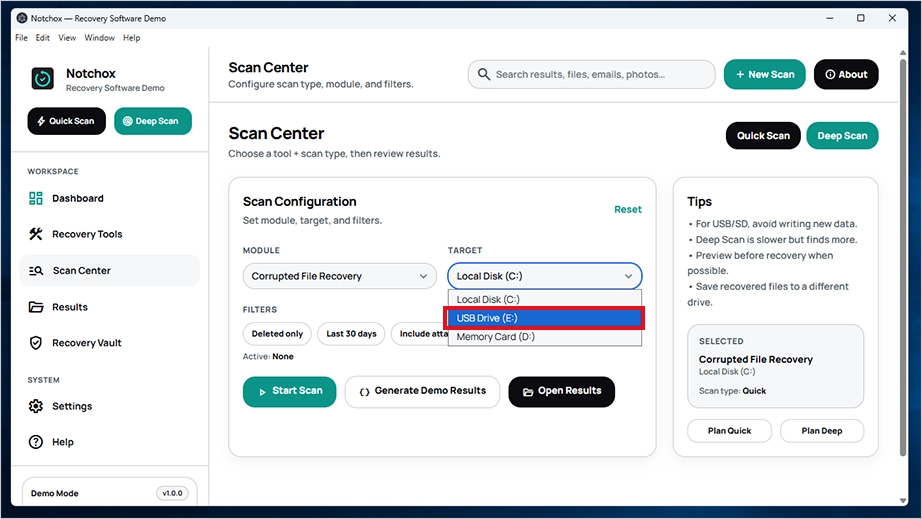
Select the target drive (USB) from the dropdown list. Even if the USB flash drive is not detectable by your PC, Notchox can detect the flash drive, overcoming the operating system restrictions.
Click the Start Scan button to perform a deep scan of the USB drive.
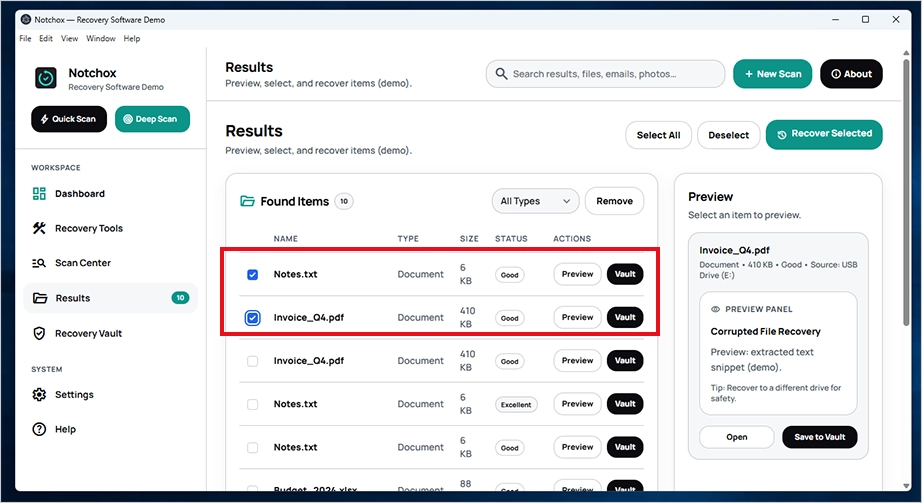
Preview and recover the files. Save them to a safe drive location.
Pros
Cons
Ultra-simple, user-friendly interface.
Zero technical expertise needed to operate.
100% secure read-only data operations.
Safe background scanning.
Very low RAM usage.
Filters specific image formats before starting data recovery.
Identifies hidden or deleted partitions on flash drives.
Provides highly accurate data recovery.
RAID fixes come with the business tier only.
Demo access is limited.
Price:
Notchox’s personal plan starts at $79.00, which gives a lifetime license for 1 device. The Pro version costs $149.00 with advanced media repair and a lifetime license for 5 devices, whereas the Business version comes at $499.00 with RAID and Server support, commercial rights, and an unlimited device license.
Free Trial:
Notchox offers a fully functional 2-day free trial with all primary recovery features completely unlocked.
Recuva
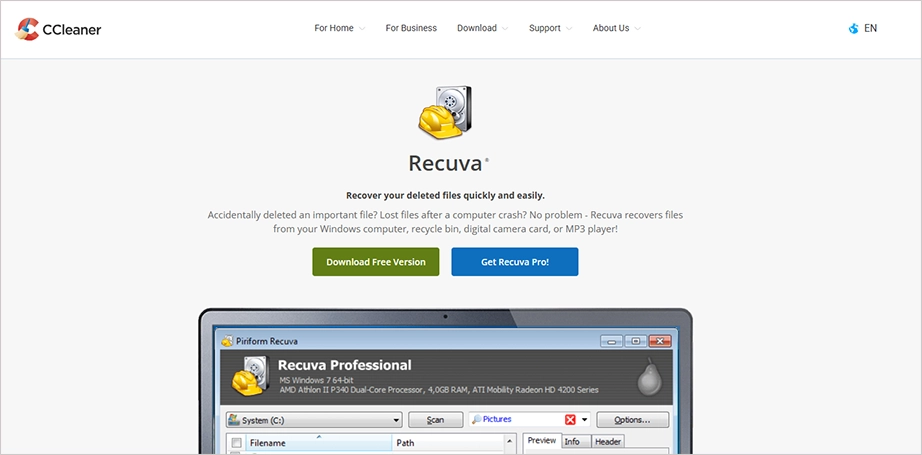
Recuva is the second-best USB disk data recovery software to restore data. It stands out because it offers unlimited data recovery completely for free. So, users can benefit from this USB recovery software without paying a single dollar. Though the interface looks a bit older, its search engine is very reliable at finding and restoring deleted photos, videos, music, and documents from any standard USB flash drive.
Key Features:
100% free, unlimited recovery.
Smart file recovery wizard that guides beginners step-by-step through the recovery process.
Runs directly from a second USB without needing installation.
Shows if a file is fully or partially restorable.
Pros
Cons
Completely free with no hidden data retrieval limits.
Shows a clear sign of file health before recovery.
Very lightweight and installs in seconds.
The software is available for Windows operating systems only.
The interface design feels outdated.
Price:
Recuva Professional costs $24.95, which includes Advanced file recovery, virtual hard drive support, and automatic updates.
Free Version:
Recuva offers unlimited advanced file recovery for free.
R-Studio
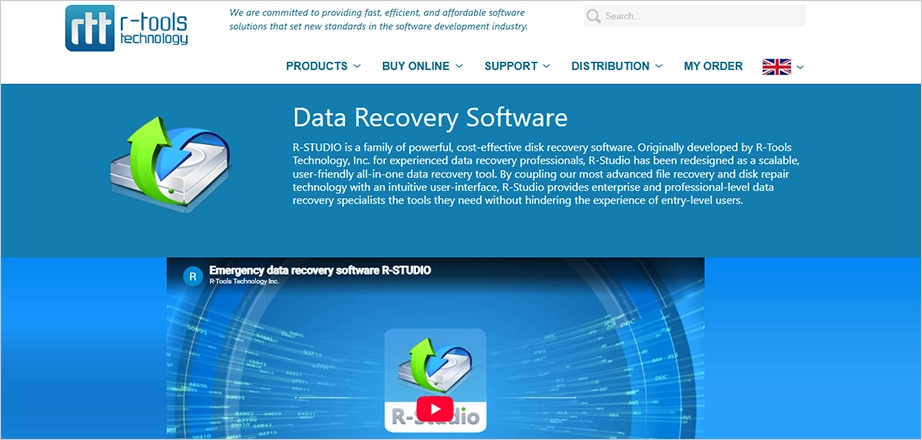
R-Studio is more of an advanced technical recovery software for USB drives, mainly for enterprise users. This is different from the rest of the consumer software, as it is engineered to handle extreme data loss scenarios, which include severely corrupted, damaged, or missing partitions. When deployed, you get complete control over RAW disk space. So, if a USB flash drive has complex corruption that basic tools cannot read, R-Studio will definitely be the one helping you out in that situation.
Key Features:
Recognizes custom file signatures via user-defined signatures.
Rebuilds heavily broken virtual or physical disk volumes.
Advanced hexadecimal disk editor.
Cross-platform compatibility across Windows, macOS, Linux, and all major file systems.
Pros
Cons
Works across Windows, Mac, and Linux systems.
Includes professional-grade byte editing and disk imaging tools.
Technical and complex layout.
Higher cost compared to basic consumer-level USB flash data recovery software.
Price:
R-Studio basic plan starts at $49.99 for Windows and $79.99 for macOS and Linux. The advanced versions, such as R-Studio Corporate and R-Studio Technician, cost $179.99 and $899.00, respectively.
Free Version:
R-Studio does not provide any free data recovery. You can download R-Studio in demo mode to scan drives and preview recoverable files only.
DMDE
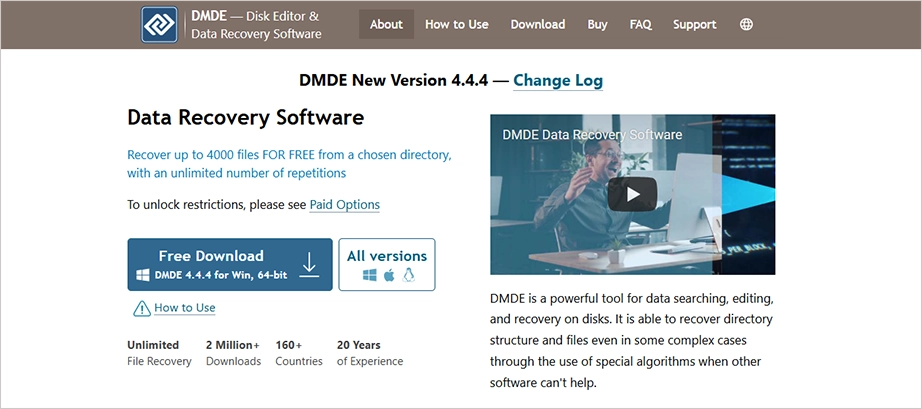
DMDE (DM Disk Editor and Data Recovery Software) is a strong, legacy data recovery software with advanced capabilities. It’s not flashy but is known for data searching, editing, and recovery on disks. Being reliable and effective, DMDE is suitable for both regular users and professionals.
Key Features:
Easy portable software.
Recovers up to 4,000 files for free.
Available for Windows, macOS, and Linux.
Advanced recovery with partition manager.
Pros
Cons
Provides a lifetime license.
Includes RAID tools, disk cloning, and built-in partition manager.
Comes with a portable version.
Outdated and complex user interface.
No real-time recovery during scans.
Price:
DMDE starts at $20 per year for a single operating system with a time-limited license. Get software for all operating systems with commercial data recovery allowed at $133 per year with pro features and portable activation.
Free Version:
The free version allows you to view the directory tree. Recovery of up to 4,000 files from a selected directory per request (no limit on requests).
PhotoRec
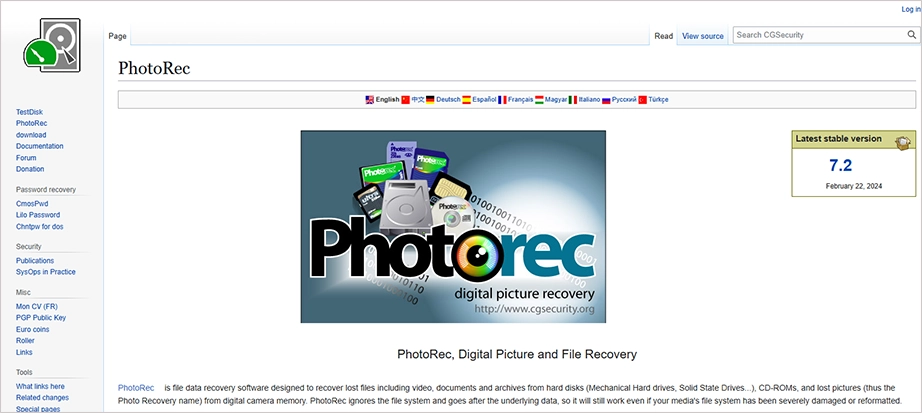
PhotoRec is an open-source and free data recovery software available for Windows, macOS, Linux, and BSD operating systems. Designed to recover lost files, including videos, documents, and archives from hard disks, CD-ROMs, cameras, etc., it is a companion program to TestDisk (an application for recovering lost partitions). There is no GUI, only a text-based interface for direct control.
Note: QPhotoRec is the graphical version of PhotoRec that gives the same recovery package with a graphical option.
Key Features:
Free and open-source software.
Unlimited file recovery allowed.
Available for Windows, macOS, Linux, the BSD family, and Solaris.
Software scans the media in read-only mode.
Known for its signature-based recovery.
Pros
Cons
Unlimited free data recovery.
Works for about 480 file extensions.
Can recover data even when the original folder structure is gone.
Command-line interface.
Price:
Since PhotoRec is open-source, it is available for free. There are no trial limits or recovery caps.
Free Version:
PhotoRec is completely free with unlimited file recovery.
EaseUS Data Recovery Wizard
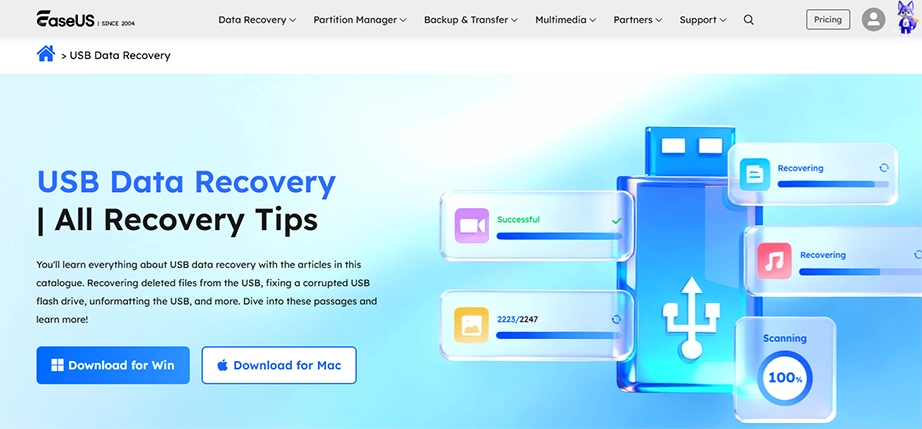
EaseUS Data Recovery Wizard is another well-known software in the list of USB flash memory recovery programs that provides file repair features along with data recovery. You can recover up to 1,000+ file types from different storage media, including USB flash drives. It supports recovery and repair for lost partitions, corrupted OS, and recovering data after accidental quick format.
Key Features:
Restore deleted files from Recycle Bin, SD cards, USB, HDD, SSD, etc.
File repair feature for corrupted photos, videos, documents, and audio files.
Pros
Cons
Advanced file repair feature.
Supports 1,000+ file types.
User-friendly interface.
File preview support.
Separate versions: one for Mac and one for Windows.
Free recovery limited to 2 GB.
Price:
EaseUS one-month subscription begins at $69.95 with one license for one computer, and the annual plan is $99.95. Get the EaseUS lifetime upgrade version at $149.95. EaseUS offers bundled data recovery for Windows and Mac at $153.93 for one year and $223.93 for a lifetime license.
Free Version:
EaseUS allows free data recovery of up to 2GB of data for free on Windows and macOS.
R-Undelete
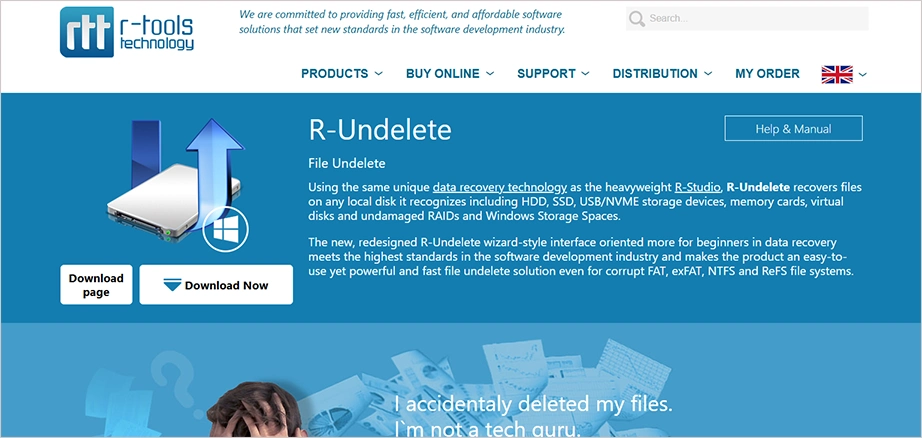
R-Undelete is a well-known data recovery software by R-Tools Technology. It recovers files on any local disk (SSD, HDD, NVMe, USB), memory cards, and virtual disks. It can also manage undamaged RAIDs. With a wizard-style interface, this becomes easy to use for beginners.
Scans the hard drive to find partitions with unsupported file formats.
Wizard-style interface.
Runs exclusively on Windows.
Price:
R-Undelete’s one license to install software on one workstation or server costs $54.99. The license is per user and can be transferred to another Licensee’s PC.
Free Version:
R-Undelete Home is the free version for home users that recovers files from an external USB disk, photo and video camera memory card, and other storage devices.
Remo Recover
Remo Flash Drive Recovery Software helps you recover data from formatted or damaged flash drives. The tool is compatible with all versions of both Windows and macOS. It offers dynamic data recovery that most flash drive data recovery tools do not provide. Using this, you can recover data while the scan is still in progress; i.e., you do not need to wait for the scan to complete to access your recovered files.
Key Features:
Preferred location recovery support.
Dynamic data recovery to recover data without waiting for the scan to complete.
Built with smart AI filters.
Pros
Cons
Files.
Dynamic recovery view.
Instant data string technology.
Advanced filters for easy search.
Paid license required for saving.
Deep scans take a long time.
Price:
Get a one-month license of Remo recovery software for USB drive at $69.97 per month with standard tech support. The popular 6-month license costs $79.97, and the lifetime license costs $199.97 with remote advanced data recovery assistance. It also offers Prime Business software at $399.97 with full access to pro versions of 34 tools on 10 devices with lifetime free updates.
Free Version:
The free version of Remo Recover software allows you to recover up to 1 GB of data for free on Windows.
Wondershare Recoverit
Wondershare Recoverit provides an AI-powered USB recovery program. It supports recovery workflows for many USB flash drives, pen drives, thumb drives, and USB stick brands when the drive remains unreadable by the system. This offers quick and deep scans to recover across 1,000+ file types. Wondershare is secure with BitLocker/T2/M1/M2 encrypted USB drive recovery.
Key Features:
AI-powered data recovery.
1,000+ supported file types.
Recover lost data from failed or corrupted NAS servers.
BitLocker/T2/M1/M2 Encrypted
Pros
Cons
RAW photo and video recovery.
Resume scanning process feature.
Modern user interface.
Built-in media repair.
Strict free tier limits.
Scan loss on exit.
Price:
Wondershare Recoverit USB drive recovery software offers unlimited recovery for 2 Windows PCs at a minimum of $64.99 per month, whereas the business plan costs around $119.99/year with all the advanced features. Additionally, for students, this flash drive recovery software costs $41.99 per month.
Free Version:
Get free data recovery up to 500 MB using Wondershare Recoverit thumb drive recovery software on your USB.
Disk Drill
Disk Drill by Cleverfiles is a powerful data recovery software for USB drives. It has an easy-to-use interface that makes it beginner-friendly, and advanced scanning algorithms suitable for both personal and professional use. Available for both Windows and macOS, Disk Drill allows recovery of all external devices such as Cameras, iPods, USB flash drives, memory cards, and more.
Key Features:
S.M.A.R.T. monitoring.
Allows byte-to-byte backup.
Broad file support across 400 file types.
Offers universal and deep scanning.
Pros
Cons
Byte-to-byte backup facility.
Deep scan capabilities.
Health monitoring feature.
Duplicate file finder module.
Restricted free data recovery.
Slow deep scans.
Price:
Disk Drill Pro offers unlimited recovery with an $89 per year subscription plan, and a pay-once, recover-forever lifetime license of Disk Drill costs $149.
Free Version:
Disk Drill allows you to scan USB drives and preview recoverable files for free, but recovering data is limited to 100 MB on Windows.
Conclusion
The search for the best flash drive data recovery tool ends here. Notchox is the best USB flash data recovery software, providing a 99% success rate using its advanced algorithms to scan and recover files from external USB drives. And for budget-conscious users, you can get free data recovery using PhotoRec, which is an open-source command-line tool, well-suited to recover photos and video files.
It is always best to go for security first; choosing a secure flash drive recovery program ensures your data is safe. Choose programs that run in read-only mode to prevent your file overwriting while recovery.
Frequently Asked Questions
Which is the best USB flash data recovery software?
Notchox is the best USB flash data recovery software. Its key features include:
Engineered with advanced algorithms to run a deep scan through the drive.
Allows free file preview before final recovery.
User-friendly interface makes it easier to use for beginners.
Allows recovery from Windows, macOS, Android, and iPhone.
Quick Scan and Deep Scan availability.
Supports data recovery of 1,000+ file types.
Which is the best free USB flash drive recovery tool?
Recuva and PhotoRec are two free pen drive data recovery software tools. Though Recuva is free, it offers a paid version also for its advanced features. PhotoRec is an open-source command-line tool that can be used to restore files across various devices such as USB, SSD, HDD, SD cards, etc.
Can data be recovered from a USB flash drive?
Yes, data can be recovered from a USB flash drive using various USB stick data recovery software, provided the USB is not physically damaged, or the data has not been overwritten yet.
Is there anything better than Recuva?
Notchox data recovery software is better than Recuva because it provides advanced recovery features and improves the data recovery process. It offers Quick and Deep scan modes, built using advanced algorithms that detect files even from corrupted or unreadable drives, disks, and partitions.
How long can data be retained on a USB flash drive?
Data on a USB flash drive can be retained for around 10 to 100 years under ideal conditions.
Is it okay to leave a USB flash drive plugged in all the time?
Yes, it is safe to leave a USB flash drive plugged in. But it is not advised for a long time or permanently.
Is there a difference between a USB stick and a USB flash drive?
A USB stick and a USB flash drive are practically the same thing. Flash drive represents memory technology, while the stick represents the physical structure of the drive.
How does Notchox recover data from a USB flash drive?
Notchox uses its advanced algorithms to scan the USB flash drive.
It detects the drive and runs a deep scan throughout the drive, overcoming operating system errors or limitations.
It then looks for any file remnants on the drive and tries to collect them.
Finally, it reconstructs the data in its original form and allows you to preview and restore it.
Kajal Singh is a Data Recovery Writer at Notchox, specializing in data recovery, storage systems, RAID, and digital forensics. She writes technical processes, tools, and cases into clear, engaging articles, blogs, and guides. Kajal does thorough research, deep analysis, and collaborates with experts to produce high-quality and engaging content that is easy to understand for every reader.