Video repair software is a specialized tool/ application designed to rebuild corrupted, unplayable, inaccessible, or broken video files. You need video fix software when a video file stutters, drops audio, shows an error, or doesn’t play smoothly. These video repair tools work by repairing the broken file index or by using a reference file shot on the same device.
To make your choice easy, we have listed the top 10 best video repair software and online utilities. You will definitely find the apt video file repair software here whether you are looking for a free online tool or specialised paid software. Read on to know about their features, pros and cons, and pricing in detail.
Based on extensive performance testing and recovery rate research, here is the ranking of the 10 best video repair software and online tools available today. Select the video repair utility by thoroughly evaluating the technical setups, file types, devices used, and cost. The list below shows the premier desktop applications, open-source tools, and online tools, both free and paid.
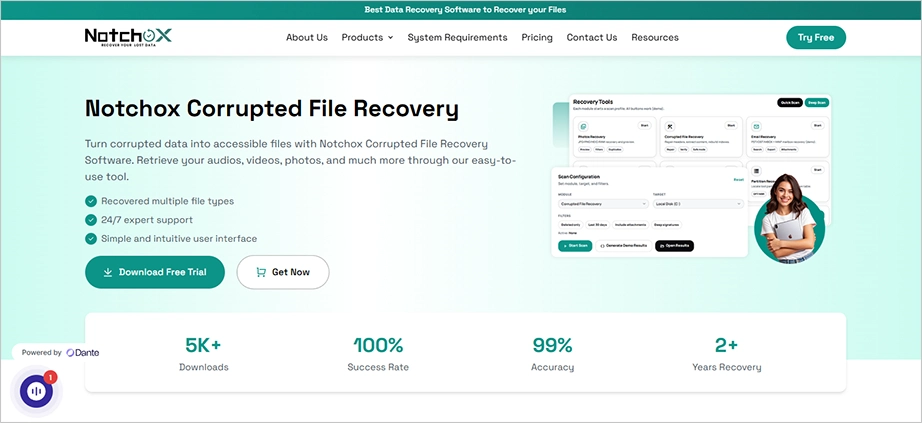
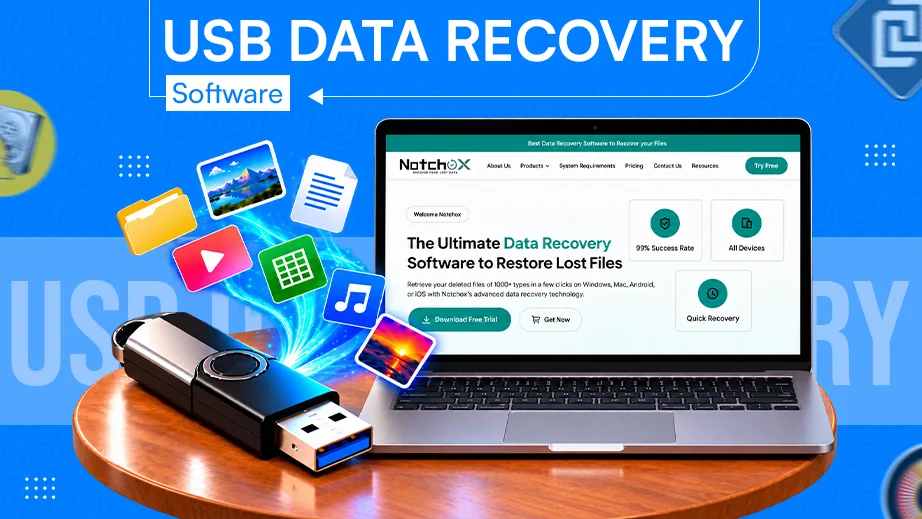
Taking the number one spot on our list is Notchox Corrupted File Recovery Software because it fixes both the broken video file and the storage drive it came from. A video not playing issue is often caused by a corrupted SD card, a sudden camera shutdown, or an infected drive. So whether you want to recover files because of MP4 video not playing error or just want to recover corrupted files, Notchox solves these problems by scanning the storage drive to find missing pieces of the video data and putting the broken container structure back together.
Pros
Cons
Highly intuitive interface
Cross-platform availability
Very easy to use
1000+ file type support
Advanced file recovery
Recovery from corrupted or infected system
File repair software module
Free demo for only 2 days.
Pricing:
Notchox is available for Windows and macOS, offering a free trial to scan and preview files. Lifetime premium licenses start at a flat rate of $79.00 for personal use, up to $499.00 for commercial business tiers.
Warning: Do not upload your video file to any unauthorised website for recovery!
#2 Stellar Video Repair (Paid)
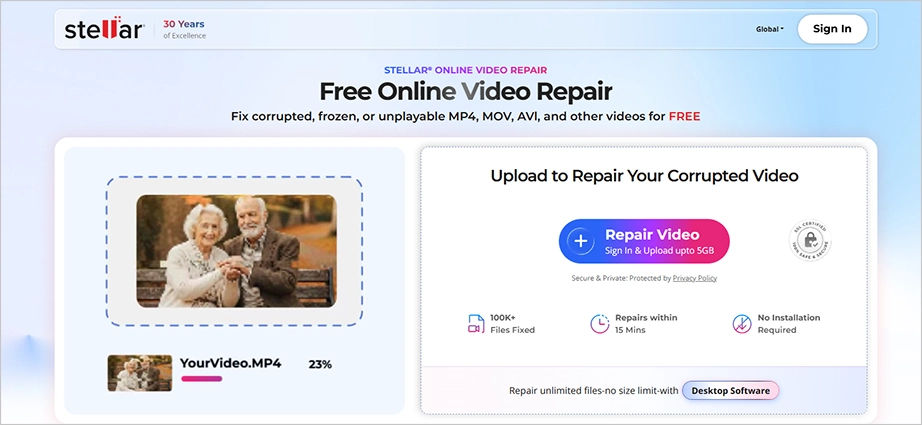
Stellar Repair for Video is a dedicated desktop video repair program optimized for fixing footage shot on drones, action cameras, DSLRs, and smartphones. It specializes in resolving playback issues like out-of-sync audio, shuttering, choppy frames, and black screens. If a file is severely broken, its Advanced Repair feature uses a working sample file from the same camera to rebuild the damaged header data.
Pros
Cons
Simple interface
Corrupt header or metadata fixing
AI powered
Poor performance in audio-video syncing
Free repair for up to 1 video file only
Pricing:
Stellar offers single video file repair for free, provided the file size is 100 MB. The standard plan offers file recovery at $49.99 per year, whereas the premium plan starts at $59.99 per year.
#3 Clever Online Video Repair (Online)
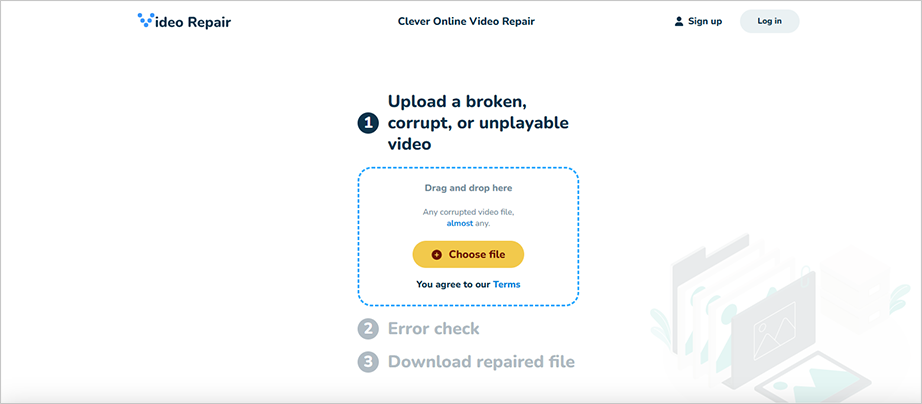
Clever Online Video Repair is a web-based tool designed to fix broken videos directly in your internet browser. It requires no installation, making it perfect for quick fixes on any device. During our research, we verified its ability to instantly fix broken file headers and audio sync errors on both mobile devices and desktops. You simply upload your damaged MP4, MOV, or AVI file, let the cloud tool rebuild it, and watch the fixed preview to verify the repair before downloading.
Pros
Cons
Completely free without any hidden costs
5 GB file size limit
Certain features are only available for MP4 or MOV files
Does not repair videos locally
Pricing:
Clever Online Video Repair claims to be free with no hidden costs, but it requires registration. Without registration, it offers only three broken-file repairs.
#4 VLC Media Player (Free)
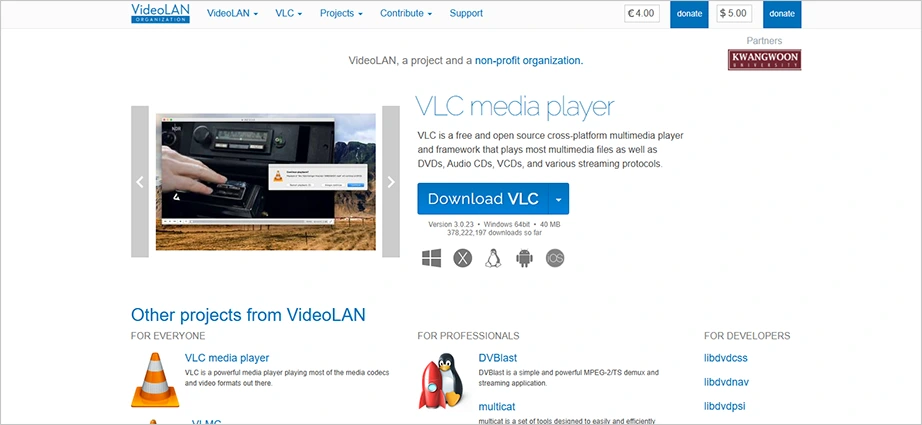
VLC Media Player is the best completely free video repair software for handling minor video playback issues. It is a widely trusted open-source application that has a built-in tool to repair broken or incomplete video indexes. When a video file stutters or refuses to fast-forward, it is usually due to a damaged index table. VLC automatically detects these problems and reconstructs the framework in temporary memory.
Pros
Cons
It’s a media player itself; no additional downloads required.
File conversion
Advanced codec repair
Completely free
Performance issues in some systems
Outdated interface
Pricing:
VLC media player is completely free MP4/MOV repair software to use for playing and attempting basic file conversions or fixes, meaning built-in file repair costs $0.
#5 Untrunc (Free)
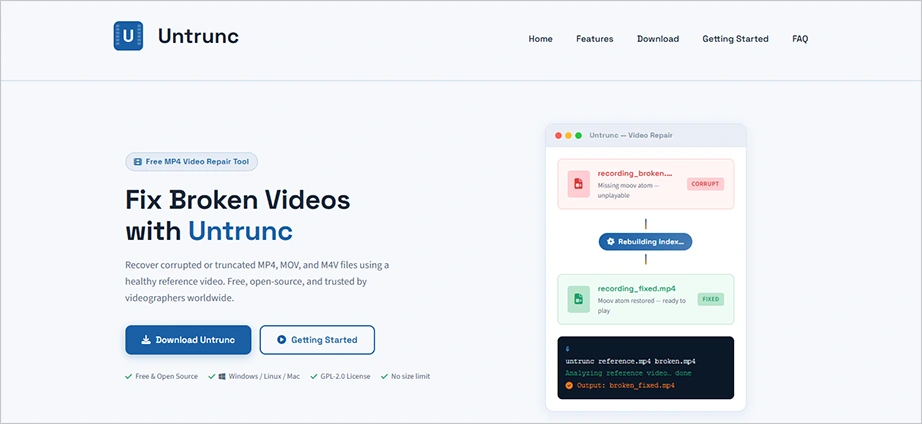
Untrunc is an open-source command-line tool designed specifically to repair truncated or unfinalized video files. This issue happens when a camera suddenly loses power or runs out of battery before the user can press stop, making the files unreadable. Untrunc fixes this by altering the codec settings to rebuild its structure.
Pros
Cons
100% free and open-source
No watermarks or file size limits
Works locally on your computer
No graphical user interface (GUI)
Limited repair capabilities
Pricing:
Untrunc is completely free and open-source.
#6 Kernel Video Repair Tool (Paid)
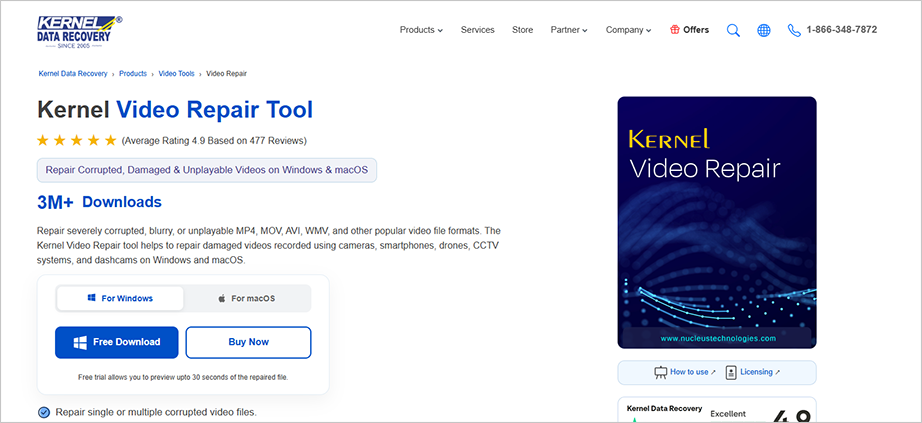
Kernel Video Repair is an advanced desktop software built to fix severely broken, blurry, flickering, or unplayable video clips. It is effective at handling massive data loads and supports high-resolution files up to 4K, 8K, VR, and 360-degree formats without degrading the quality.
Pros
Cons
No file size limits when uploading or processing massive raw clips
Fully compatible with video files from drones, dashcams, CCTVs, etc.
Free tier allows file exports to 30-second previews.
Interface design looks slightly outdated.
Pricing:
Kernel video repair costs $29.00 for a standard upgrade/license. The Kernel video suite that allows converting, repairing videos, and restoring photos costs $79.00 for a one-year license.
#7 Fix.Video Software (Freemium Online)
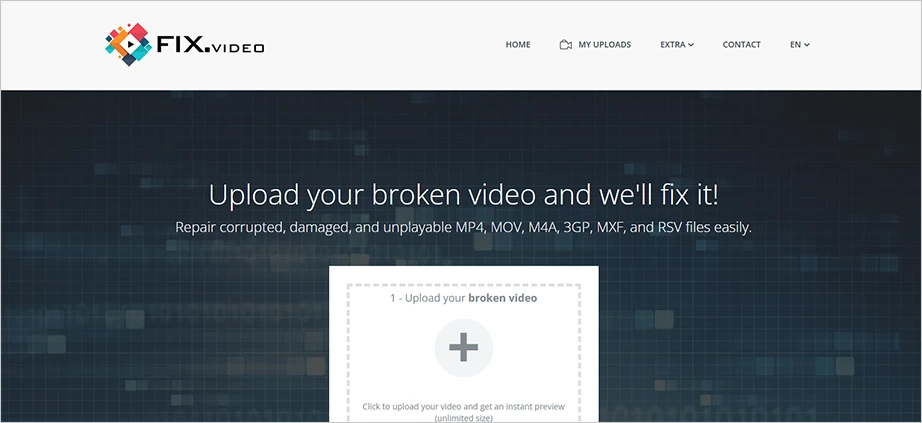
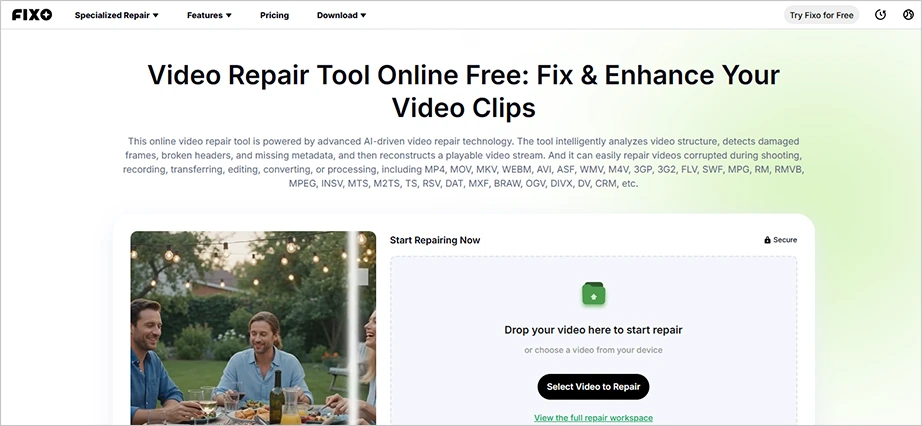
Fix.Video software is actually an online browser application that works without any desktop installation to repair your video files. It reconstructs broken metadata directly from your web browser so you can fix unplayable files from professional equipment and cameras too. Being a cloud-based video repair tool, it fixes broken video containers caused by sudden camera crashes, dead batteries, etc.
Pros
Cons
Online tool; no download required
Handles large files with ease
Manual review option
Pricing is only revealed after uploading and repairing
Limited video file format support
Pricing:
Fix.Video uses a file-size-based pay-per-repair pricing model rather than a monthly subscription.
$6 for files up to 500 MB.
$9 for files between 500 MB and 2 GB.
$12 for files up to 4 GB.
#8 Yodot Video Repair (Paid)
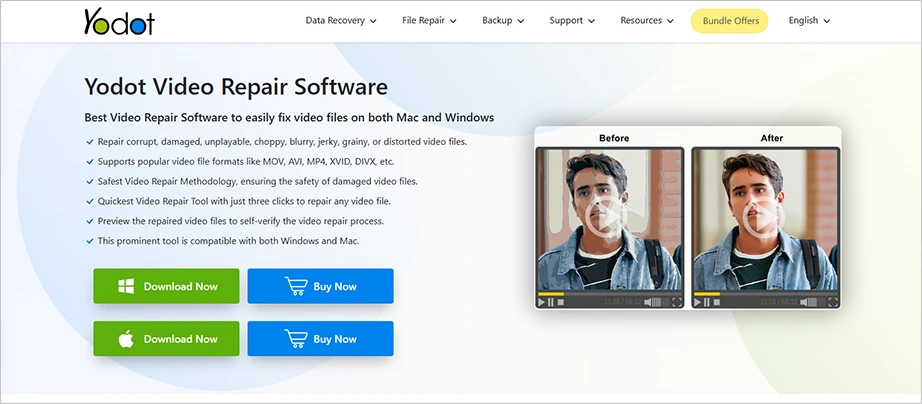
Yodot Video Repair is a desktop video fix software designed to fix severely damaged, pixelated, or out-of-sync media containers. It works by separating the audio and video data streams of a broken file, checking the damage, and then rebuilding a clean layout without changing the original content. It requires a healthy reference video shot on the same camera settings to successfully stitch and mirror missing data blocks onto files like MP4 or MOV.
Pros
Cons
Easy-to-use interface
Windows and Mac supported only
Limited file format support
Comparatively expensive paid version
Pricing:
Yodot Video Repair costs around $77.26 as a one-time payment.
#9 EaseUS Online Video Repair (Free Online)
EaseUS Online Video Repair is a free cloud-based software video repair for everyday users. While it lacks the deep drive-level recovery features of desktop tools, it is highly rated for its simplicity and accessibility. It requires no software installation or account registration. You simply drag and drop corrupted files directly into your browser.
Pros
Cons
Wide format support
Multi-device compatibility
Dual repair mode
Advanced mode needs a sample file
Paid pro version required for full access
Pricing:
EaseUS Video Repair offers a one-month license for $39.95, a yearly license for $40.95, and a lifetime repair license for $99.95.
#10 Grau GmbH Video Repair Tool (Paid)
Grau GmbH Video Repair Tool is a highly technical desktop tool that excels at raw binary reconstruction. It works like a forensic digital utility rather than a user-friendly commercial application. The software works by forcing codec parameters from a healthy file onto your broken clip.
Pros
Cons
Cross-platform availability
Affordable pricing
File size restrictions
Fails to repair heavily corrupted files
Outdated interface
Requires a reference file
Pricing:
The simple version of Grau GmbH Video Repair Tool costs 29 EUR(+VAT/MwSt for Germany and EU countries), while the professional version costs 99 EUR (+VAT/MwSt for Germany and EU countries).
How to Choose the Right Video Repair Software?
To pick the right video repair software option, you just need to match your specific situation against three simple factors: your budget, how your file broke, and your comfort level with computers. Use the direct decision guide below to figure out exactly which fix video software will save your corrupted footage in the fewest steps possible.
The Severity of Damage: If your video simply stutters or won’t fast-forward, a lightweight, free index-fixing video repair tool will work fine. But if your camera dies mid-record or the file won’t open at all, you need advanced video file repair software to completely rebuild dead header data.
Your File Privacy Needs: Online browser-based video repair utilities are convenient for quick fixes, but they require uploading your video to a cloud server. If you are handling any sensitive or private video, stick to a local desktop application that processes your data entirely offline for safety.
Device and Codec Compatibility: Not all software handles high-end camera profiles the same way. If you are repairing simple phone clips, general video repair tools work fine. But unique videos from drones (DJI), action cameras (GoPro), or DSLRs require a tool optimized for specialized video fixation.
Export Restrictions: Almost all premium video repair applications let you scan and preview your fixed videos for free. Before spending time on a deep scan, check the trial limitations to see if it allows full export or if it restricts until you purchase a license.
Conclusion
Finding the best video repair software comes down to how the video was corrupted and your budget. If your video is unreadable due to a corrupted SD card or storage device failure, Notchox Corrupted File Recovery Software is the best option because it scans and recovers your files from the corrupted sectors of the drive. For standard errors, Stellar Repair for Video gives the most helpful hardware patching. And if you want a free solution for your not-so-sensitive video files, VLC Media Player can fix your video without any cost.
Frequently Asked Questions
Q1: What is the best software for video repair?
Ans: To recover corrupted or unreadable videos, Notchox is the best recovery software. It uses advanced algorithms to get directly to the raw sectors, scan the drive for raw remnants, recovering your corrupted files in an easy-to-use condition.
Q2: Is there a free AI video repair tool available?
Ans: You can fix or enhance your low-quality videos using several online AI tools available in the market, such as EaseUS Video Repair Online.
Q3: Can VLC repair video?
Ans: Yes, VLC Media Player comes with built-in tools to fix minor issues with video files. You do not need to download any additional software or tool for repair; just go to the Tools tab and adjust the preferences in the VLC Media Player app.
Q4: How to repair a corrupt video?
Ans: To repair a corrupt video, use an online tool or download a reliable video repair tool of your choice. Upload the corrupt video file and allow the tool to fix it and return a healthy, playable video file. Make sure to check that the tool supports your specific video file format.
Q5: How can I repair a corrupted video file for free?
Ans: For free corrupted video file repair, use the following free video repair tools:
VLC Media Player
Untrunc
Fix.Video (Limited free recovery)
EaseUS Online Video Repair Tool
Q6: What causes a video to be corrupted?
Ans: Your video is likely to be corrupted because the recording, transferring, or downloading process was interrupted or damaged the file’s internal data structure. Also, drive corruption and virus attacks can cause files to be corrupted.
Kajal Singh is a Data Recovery Writer at Notchox, specializing in data recovery, storage systems, RAID, and digital forensics. She writes technical processes, tools, and cases into clear, engaging articles, blogs, and guides. Kajal does thorough research, deep analysis, and collaborates with experts to produce high-quality and engaging content that is easy to understand for every reader.