Deeksha Arora May 25, 2026
Ans: Notchox is the best data recovery software offering secure deep scan, pre-recovery review, smart filtering, and drive-friendly data retrieval across Windows, macOS, Android, and iOS with a global user base.
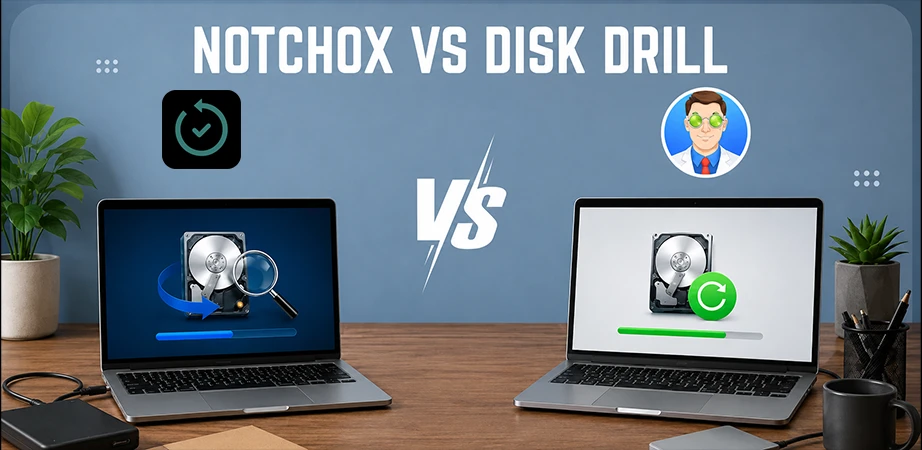
Data recovery software has come a long way, and in 2026, many programs can turn “permanent delete” into a simple recovery. But with a dozen tools promising miracles, which one exactly fulfils?
We’ve put the top contenders, Notchox vs Disk Drill, to the test. Let’s help you find the best data recovery software, your digital saviour, and get that data back.
Quick Answer:
Notchox: An advanced recovery solution engineered for maximum speed and broad file support.
Disk Drill: A reliable data recovery tool known for solid file retrieval capabilities.
Both Notchox and Disk Drill are highly capable data recovery tools, but Notchox takes the lead as the superior option. It offers a more intuitive and beginner-friendly interface and faster recovery. With more affordable pricing than Disk Drill and vast file format support, Notchox gives better value and performance.
Notchox is Norton Security-certified data recovery software, trusted by tech giants such as Microsoft, Apple, Google, Amazon, IBM, and Oracle. It is popular for its deep scan technology and 99% success rate.
Disk Drill is a top-rated data recovery software with advanced scanning and an interactive interface. It offers advanced features like recovery vault, disk health monitoring, and cleanup tools. With its S.M.A.R.T. approach, Disk Drill stands out as one of the top data recovery software programs.
Unlike the passive “search and recover” nature of Disk Drill, Notchox’s approach is active and offers data recovery for 1000+ file types with 24/7 support.
Let’s see an in-depth comparison of Notchox vs Disk Drill.
Speed and simplicity of the data recovery tool are as important as its ability to find lost files. For many users, understanding technical interfaces during the time of data loss may be frustrating; therefore, a user-friendly design is a top priority.
Notchox has an easy-to-use interface without any technical complexity, whereas new users find Disk Drill difficult to use due to its complex UI.
Take a look at the ease-of-use feature comparison table below:
| Ease of Use Feature | Notchox | Disk Drill |
| User Interface | Beginner Friendly | Complex |
| File Previews | Yes | Yes |
| Scan Option | Quick and Deep Scan | Quick and Deep Scan |
| Pause and Resume | Yes | Yes |
| Recovery Process | Easy 4 Step | 5 Step |
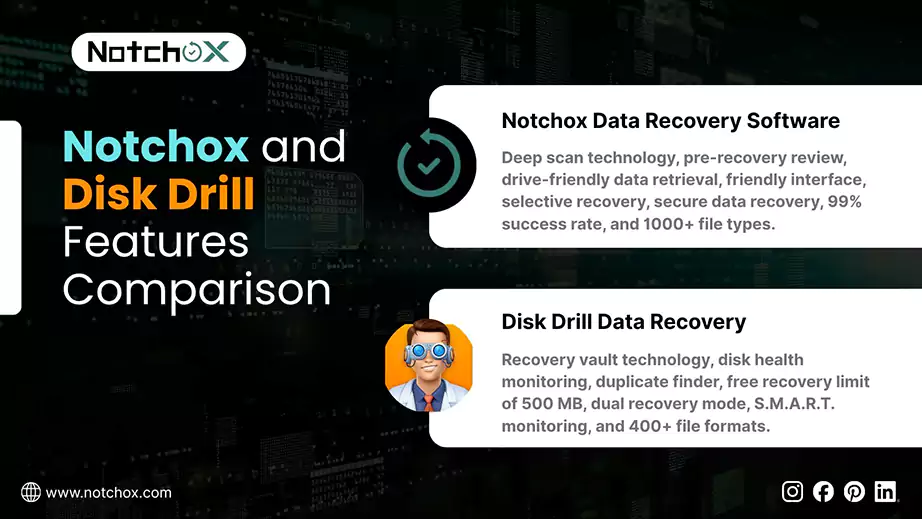
When comparing two data recovery software tools, feature-driven analysis is important to determine which tool is better for a specific data loss. This section compares key functionalities: Notchox vs Disk Drill. By examining these capabilities, we can highlight which tool is better, helping you choose the best one.
Features Comparison
| Feature | Notchox | Disk Drill |
| File Type Support | 1000+ | 400+ |
| Quick Deep Scan | ✅ | ✅ |
| Partition Recovery | ✅ | ✅ |
| Support for Damaged/ Formatted Drives | ✅ | ✅ |
| SMART Monitoring | ❌ | ✅ |
| File Signature Search | ✅ | ✅ |
| RAID Reconstruction | ✅ | ✅ |
| Prompt Results | ✅ | ✅ |
| Secure | ✅ | ✅ |
| Intuitive Interface | ✅ | ❌ |
| Multi-Language Support | ✅ | ✅ |
| Success Rate | 99% | 95-97% |
| Smart Filtering | ✅ | ✅ |
| Free Updates Lifetime | ✅ | ✅ |
| Drive Friendly Retrieval | ✅ | ✅ |
| Selective Recovery | ✅ | ✅ |
| Pre-Recovery Preview | ✅ | ✅ |
| Cost Friendly | ✅ | ❌ |
| 24/7 Support | ✅ | ❌ |
Another aspect of data recovery software comparison is success rate. Every software claims to be the best, but the actual success rate determines which one stands up to users’ expectations. Here’s a well-researched, genuine review-based success rate matrix of Notchox and Disk Drill.
The success rate depends on drive type, time, and overwrite potential.
Notchox offers data recovery for Windows, macOS, Android and iOS, claiming a fast, deep scan, has a success rate of 99%, trusted by global tech giants.
Disk Drill is known for its effective deep scan on hard drives, SSDs, USB drives and memory cards. Tests have shown a success rate of 91% for Windows and 96% for macOS.
While cheaper options exist in the data recovery software market, the paid ones generally offer high recovery success rates and more advanced features. Therefore, price comparison is a critical factor in this decision-making. A penny saved is a penny earned, so let’s compare the pricing of Notchox and Disk Drill data recovery software.
| Notchox | ||
| Model | Price | Features |
| Personal | $ 79.00 |
|
| Pro | $ 149.00 |
|
| Business | $ 499.00 |
|
| Disk Drill | ||
| Model | Price | Features |
| Pro (Annual Subscription) | $ 89.00 |
|
| Pro (Lifetime License) | $ 149.00 |
|
| Enterprise | Custom |
|
Note: Disk Drill provides custom pricing for an enterprise data recovery model subscription based on the user’s needs.
Based on the above comparison, Notchox offers the best value for money, offering premium features at a competitive price point.
Before buying the data recovery software, you must weigh the pros and cons of each to make a balanced choice. This section lists all the pros and cons of Notchox and Disk Drill.
So, go through this section and take the plunge accordingly.
| Notchox | |
| Pros | Cons |
| 1000+ file type support | Only the demo is free |
| Deep scan technology | No S.M.A.R.T. monitoring |
| Drive friendly retrieval | |
| Recovery time: 15-30 mins | |
| Prompt results | |
| Intuitive interface | |
| Multi-language support | |
| Wide range of data recovery products | |
| No technical expertise required | |
| 24/7 chat support | |
| Disk Drill | |
| Pros | Cons |
| Comparatively high recovery performance | Paid versions are costlier |
| Advanced features | Deep scan is much time consuming |
| Versatile Media Support | The free version only allows 500 MB of data recovery |
| Supports iOS and Android recovery | Inaccurate data recovery preview |
| Offers S.M.A.R.T. monitoring | Not all file formats are available for preview |
| Estimates recovery chances before restoring files | Paid lifetime upgrades |
While marketing campaigns of these software claim 100% recovery, the reality of restoration can be different. Seeing the rating and user experience of a data recovery software is important as it acts as authentic information that bridges the gap between marketing claims and real-world performance.
By using these reviews and ratings, users can build the necessary trust and confidence to prevent wrong decisions.
Let’s analyse the ratings and reviews of the Notchox and Disk Drill.
| Rating | Notchox | Disk Drill |
| Overall Rating | 5 | 4.5 |
| Feature | 5 | 5 |
| Ease of Use | 5 | 4.5 |
| Value for Money | 5 | 5 |
| Customer Support | 5 | 4 |
| Likelihood to Recommend | 100% | 90% |
Ultimately, both the tools are strong contenders, data indicated, users prioritising experience with maximum support favor Notchox, whereas those focused heavily on advanced features and professional-grade scanning go for Disk Drill.
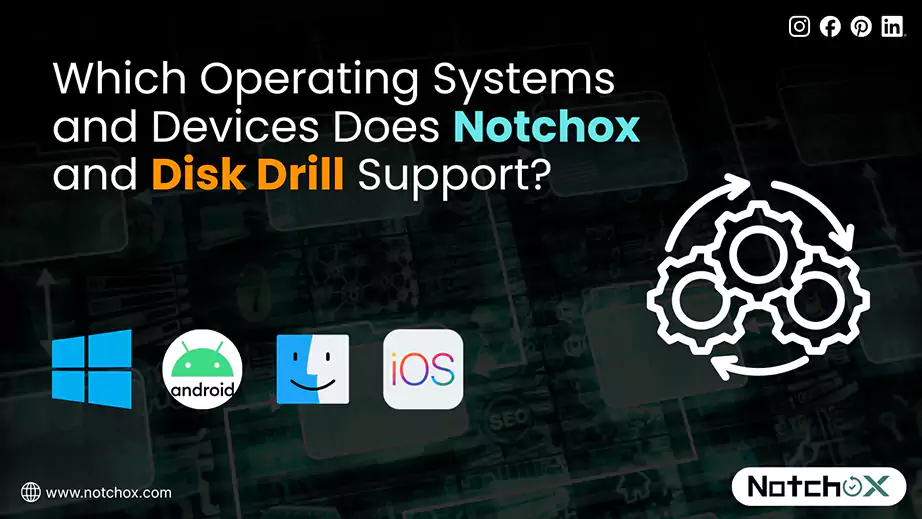
Let’s see what the product and system specifications of Notchox and Disk Drill are to see if they can actually recover lost data from your device.
| Notchox | ||||
| Specifications | Windows | macOS | Android | iOS |
| Operating System | Windows 7, 8, 10, or 11 | macOS Monterey (12), Ventura (13), Sonoma (14), or later | Android 6.0 (Marshmallow) or higher | iOS 15.1 or later |
| Architecture | 32-bit or 64-bit | – | – | – |
| Processor | 1 GHz | Apple Silicon (M1, M2, M3, M4) or Intel multi-core processors | – | – |
| Memory (RAM) | 1 GB minimum | 8GB minimum | 1 GB minimum | – |
| Storage | 250 MB free space | 300MB free space | 150MB for installation (300MB after caching) | – |
| Supported File Systems | FAT12, FAT16, FAT32, exFAT, NTFS, NTFS5, ext2, ext3, HFS+, ReFS | Ventura 13, Sonoma 14, Sequoia 15 version files | – | – |
| Disk Drill | ||||
| Specifications | Windows | macOS | Android | iOS |
| Operating System | Windows 11/10/8.1/8/7/Vista/XP Windows Server 2025/2022/2019/2016/2012 R2/2012/2008 R2/2008/2003 R2/2003 | macOS Catalina (10.15), Big Sur (11), Monterey (12), Ventura (13), Sonoma (14), or later | Android 16 and older | iOS 9.3 or later |
| Architecture | 32-bit or 64-bit | – | – | – |
| Processor | 1.0 GHz or faster | Intel and Apple Silicon (M1–M5) chips | – | – |
| Memory (RAM) | 4 GB minimum | 4 GB minimum | 2 GB or more | – |
| Storage | 1GB minimum free space | 1GB minimum free space | 10-15 MB for app (1 GB recommended) | – |
| Supported File Systems | FAT16/FAT32/exFAT, NTFS, NTFS5, ReFS, HFS, HFS+, APFS, EXT2/EXT3/EXT4, BTRFS and any RAW disk | APFS, HFS+, HFS, FAT16/FAT32/exFAT, EXT2/EXT3/EXT4, NTFS | – | – |
Note: Disk Drill offers data recovery on iPad and iPod touch, too!
Ultimately, no single data recovery tool fits every scenario. While Notchox offers competitive features at a cost-effective price, Disk Drill offers professional-grade data recovery at a premium price. The best choice depends on your specific and immediate needs.
Based on the above comprehensive comparison between Notchox vs Disk Drill of user interface, pricing, rating, features, and pros and cons, if you are looking for a balanced, user-friendly, and budget-friendly option, Notchox is the best choice. For those willing to pay a premium for additional features, Disk Drill is the smart choice.
Download your chosen tool today and secure your data.
Ans: Notchox is the best data recovery software offering secure deep scan, pre-recovery review, smart filtering, and drive-friendly data retrieval across Windows, macOS, Android, and iOS with a global user base.
Ans: Check the expertise, facilities, and security protocols of data recovery software before choosing one.
Ans: Notchox offers 3 data recovery plans: Personal – $ 79.00, Pro – $ 149.00, and Business – $ 499.00.
Ans: S.M.A.R.T. (Self-Monitoring, Analysis and Reporting Technology) in data recovery software is a monitoring system that monitors all parameters and predicts the drive failures beforehand.
Ans: Notchox claims a 99% recovery success rate trusted by global tech giants.
Ans: Yes, Notchox is safe to download and secured with 256-bit encryption.
Ans: Yes, Notchox provides free upgrades with its software package plans with no extra cost.

Kajal Singh is a Data Recovery Writer at Notchox, specializing in data recovery, storage systems, RAID, and digital forensics. She writes technical processes, tools, and cases into clear, engaging articles, blogs, and guides. Kajal does thorough research, deep analysis, and collaborates with experts to produce high-quality and engaging content that is easy to understand for every reader.