Deeksha Arora Sep 1, 2026
Ans: SD card data recovery is the technical process of restoring lost files from flash storage blocks. Specialised software is used to bypass standard operating system errors to access the card and restore files.

An unexpected memory card crash or “card unreadable” error might result in wiping out your important data. Specialised SD card recovery software is your best tool during these emergencies. It overlooks standard computer limits, letting you access and restore the data from the memory sectors directly.
Whether your card becomes corrupted inside a phone, drone, camera, or PC, these programs scan it past the system damage to find your files. The principle behind the software is to rebuild the broken file maps to safely rescue the files without changing anything on the card. This article lists all the top-performing SD card data recovery software in the 2026 market, expert-tested and reviewed, helping you choose the best one.
Quick Answer: The best SD card recovery software for 2026 is Notchox Data Recovery Software. It is the budget-friendly recovery tool with a 99% tested recovery success rate, supporting 1000+ file formats.
This breakdown evaluates the best SD/micro SD card data recovery software options of 2026. For each software, we analyse core features, true pricing models, technical pros and cons, and real-world testing data. Use these performance success rates and scenario decision metrics to choose the safest software for your SD card recovery.
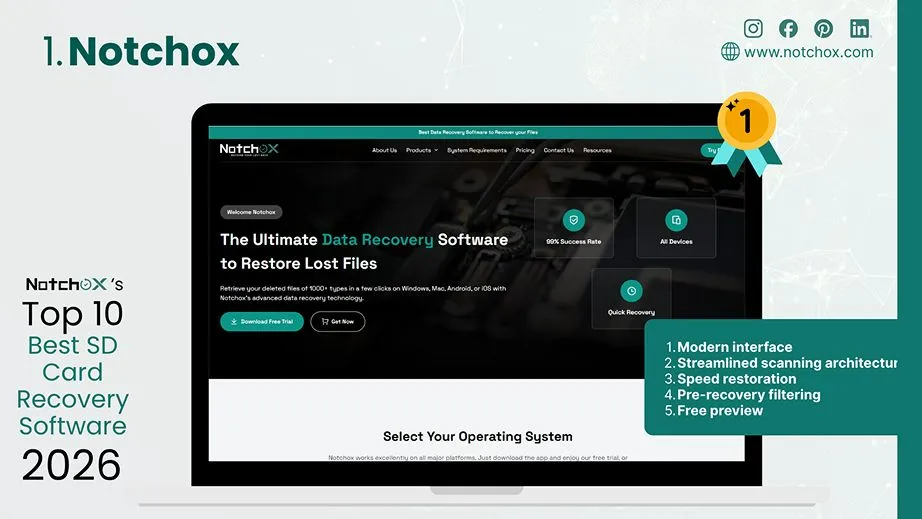
Notchox is the best-performing data recovery software for SD cards due to its specific design for addressing memory card corruption and unexpected deletion scenarios. Engineered to parse more than 1,000 file types, it targets the core layer of flash media to recover files after virus attack, accidental deletions, system errors, etc. By scanning memory storage blocks directly rather than relying on damaged partition tables, it maintains stable speeds without causing any system lag.
Notchox includes various recovery modules such as Photos Recovery, Corrupted File Recovery, Email Recovery, Document Recovery, Video Recovery, and Partition Recovery. It comes with the simplest 4-step data recovery process: Select target drive > Deep Scan > Preview > Restore.
Main Features of Notchox Data Recovery Software:
| Pros | Cons |
|
|
Decision Matrix
| Tested Success Rate | Pricing | Target Device |
| 99% | Start at $79.00 | Digital camera, CCTV, drone, DSLR, microSDs |
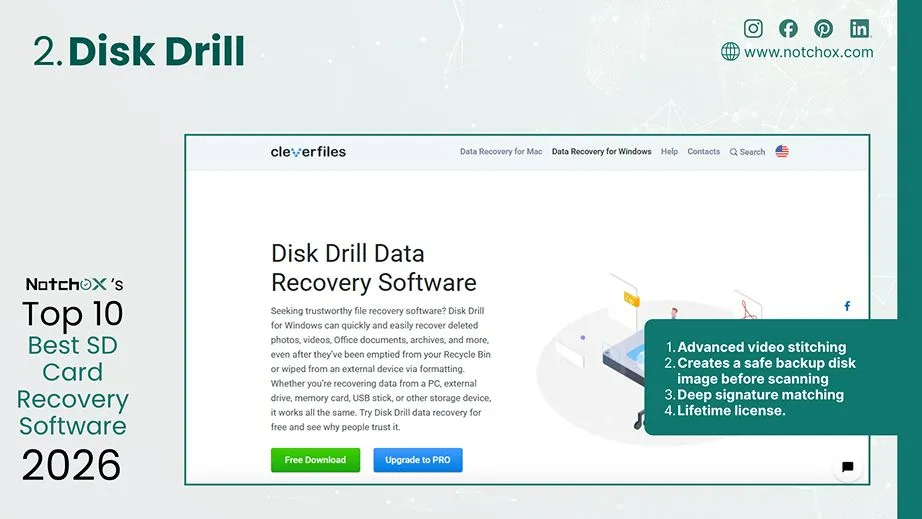
Disk Drill comes with advanced video recovery capabilities along with photo recovery from an SD card at a slightly higher cost. It is perfect for memory card data rescue, particularly for complex storage recovery scenarios. It works by scanning the card block by block, bypassing standard errors to find the hidden images and videos.
| Pros | Cons |
|
|
Decision Matrix
| Tested Success Rate | Pricing | Target Device |
| 98% | Starts at $89.00 | 4K/8K action cams & drones |
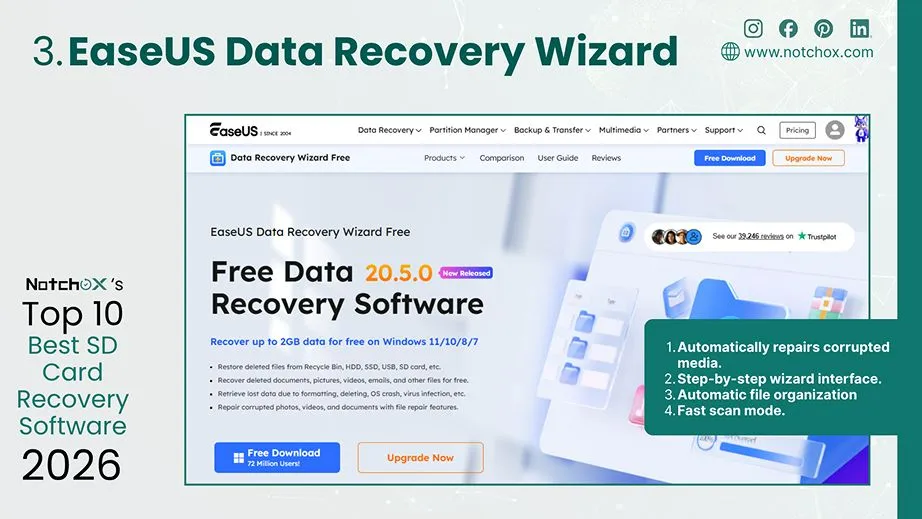
EaseUS Data Recovery Wizard is a highly popular tool designed to make SD and microSD card recovery as simple as possible for regular users. It has a step-by-step wizard interface that guides you through the scanning and saving process with just a few clicks. EaseUS comes with a built-in data repair engine to recover deleted MP3 and MOV video files and automatically attempts to fix them during the recovery process.
| Pros | Cons |
|
|
Decision Matrix
| Tested Success Rate | Pricing | Primary Target Audience |
| 98.7% | $69.95 /Month (Auto-Renew) | Phones & Everyday SD Cards |
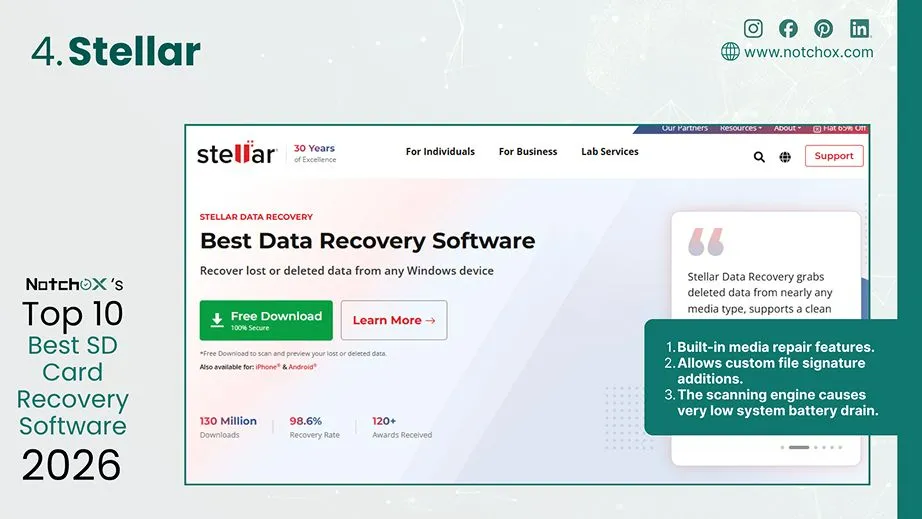
Stellar Data Recovery (often referred to as Stellar Photo Recovery) is a highly dependable tool focused on digital media recovery. Its scanning algorithms are specifically tuned to recognize various camera brands and file types. Whether your camera card shows a “RAW file system” error or was formatted by mistake, Stellar can track down and reconstruct images easily.
| Pros | Cons |
|
|
Decision Matrix
| Tested Success Rate | Pricing | Primary Target Audience |
| 98.6% | $59.99 /1-Year License | Professional RAW Cameras |
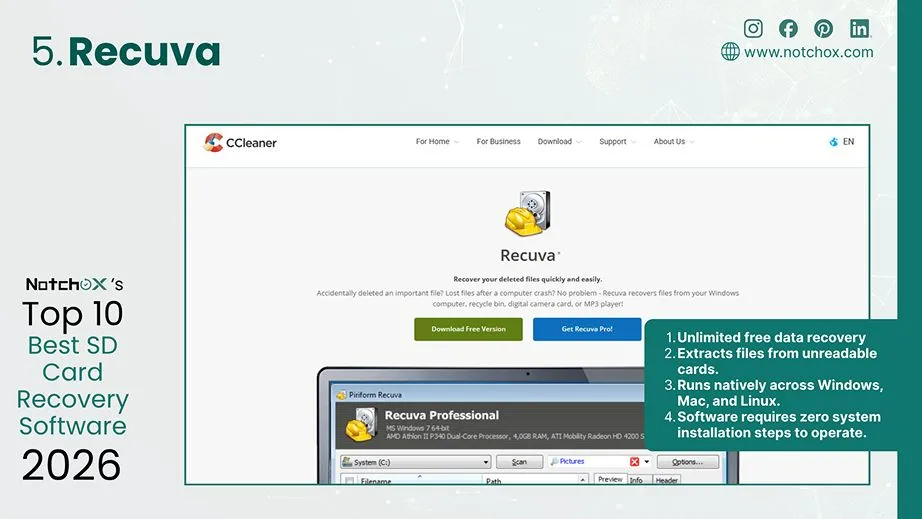
Recuva is a lightweight recovery software specifically built for Windows users. It is a budget-friendly option for simple SD and microSD card recovery tasks such as accidental deletion or quick formats. Recuva runs on almost any computer configuration, unlike most heavy applications that need significant system resources. Recuva comes with both beginner and advanced modes for users.
| Pros | Cons |
|
|
Decision Matrix
| Tested Success Rate | Pricing | Target Devices |
| 98.5% | $0.00 /100% Free | Casual PC Memory Cards |
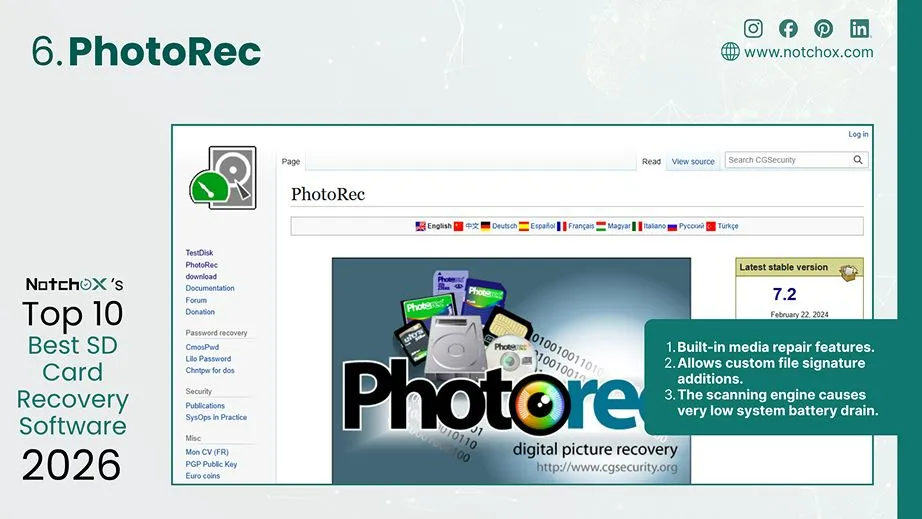
PhotoRec is a completely free SD card recovery software with no GUI. It works completely through a text-based command-line interface, which means it lacks clickable buttons and visual previews found in standard commercial software. But it is highly powerful to recover data from corrupted SD card or RAW memory cards and can recover data even if the partition table is destroyed.
| Pros | Cons |
|
|
Decision Matrix
| Tested Success Rate | Pricing | Primary Target Audience |
| 90% | $0.00 /100% Free | Corrupted & RAW Flash Media |
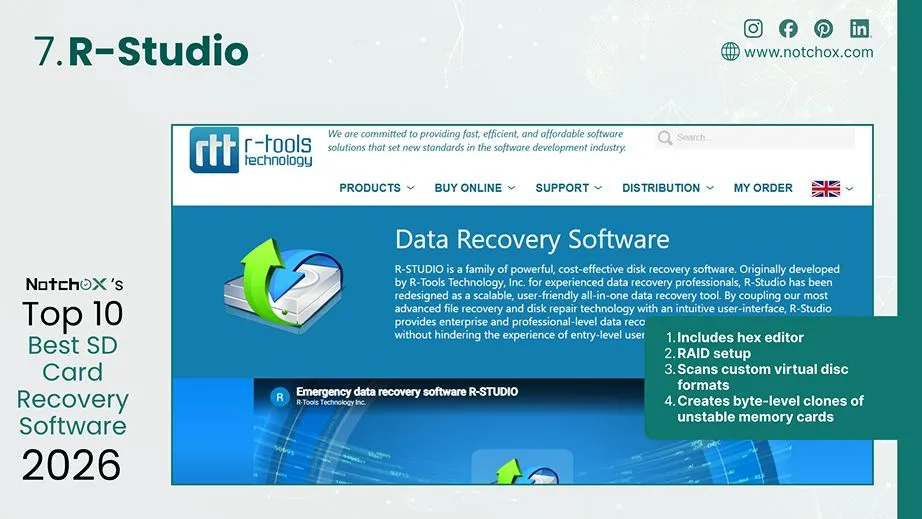
R-Studio Data Recovery is an enterprise-grade utility designed for data recovery studios, IT professionals, and advanced technicians. It’s not like other consumer software; it provides low-level hex-editor-style access to corrupted flash media storage sectors. Perfect for handling complex failures like exFAT/FAT32 file tables, damaged logical partitions, etc.
| Pros | Cons |
|
|
Decision Matrix
| Tested Success Rate | Pricing | Primary Target Audience |
| 98% | $79.99 /Standard License | Enterprise Data Recovery Labs |
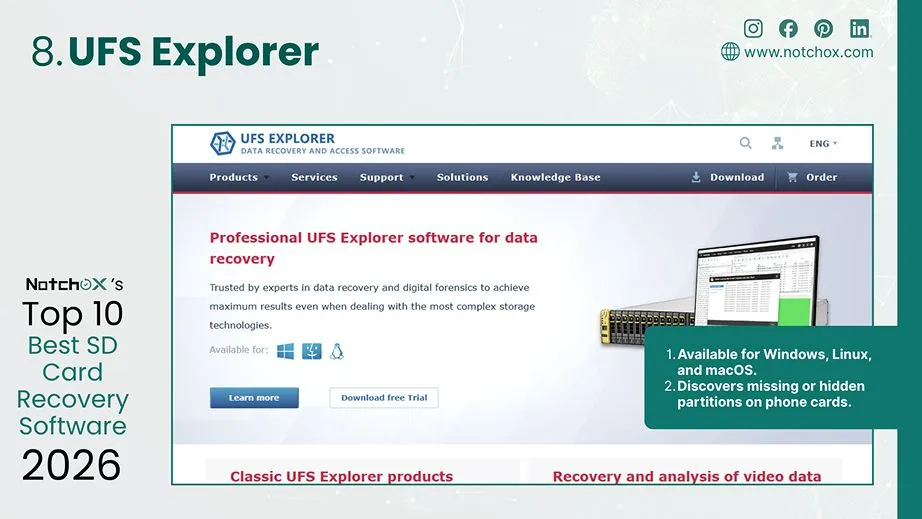
UFS Explorer fixes deep file errors on SD cards and microSD cards. When a memory card becomes unreadable or shows up as completely blank because of a sudden data crash, it helps by reading the card’s storage blocks directly. It is designed to work around damaged sections of a card without causing the hardware to freeze or crash.
| Pros | Cons |
|
|
Decision Matrix
| Tested Success Rate | Pricing | Target Devices |
| 98% | $69.95 /Standard Base | Android phones & Hidden Partitions |
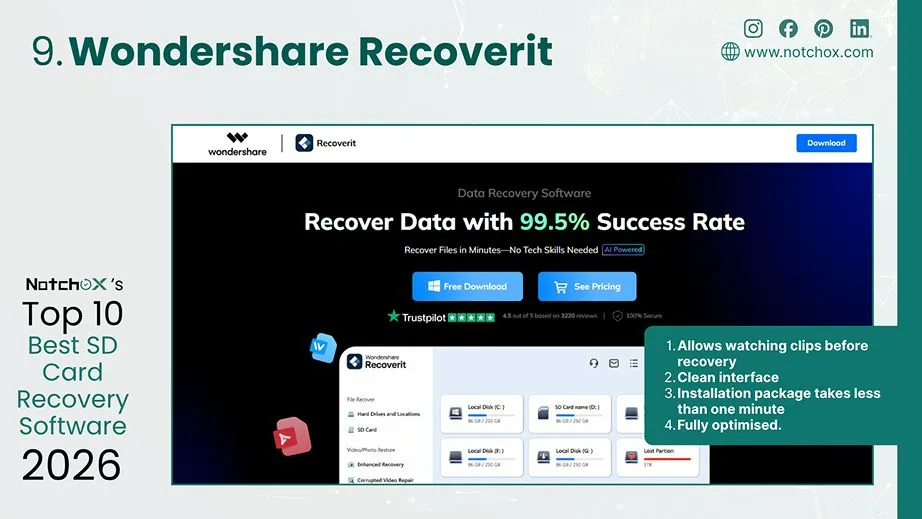
Wondershare Recoverit is a data recovery tool that works exceptionally well for both Mac and Windows users dealing with lost files on SD or microSD cards. It is designed with a very clean interface that makes it easy to select your connected memory card and start a scan immediately.
| Pros | Cons |
|
|
Decision Matrix
| Tested Success Rate | Pricing | Target Device |
| 99.5% | $59.99 /Monthly License | Apple Silicon Mac & Drones |
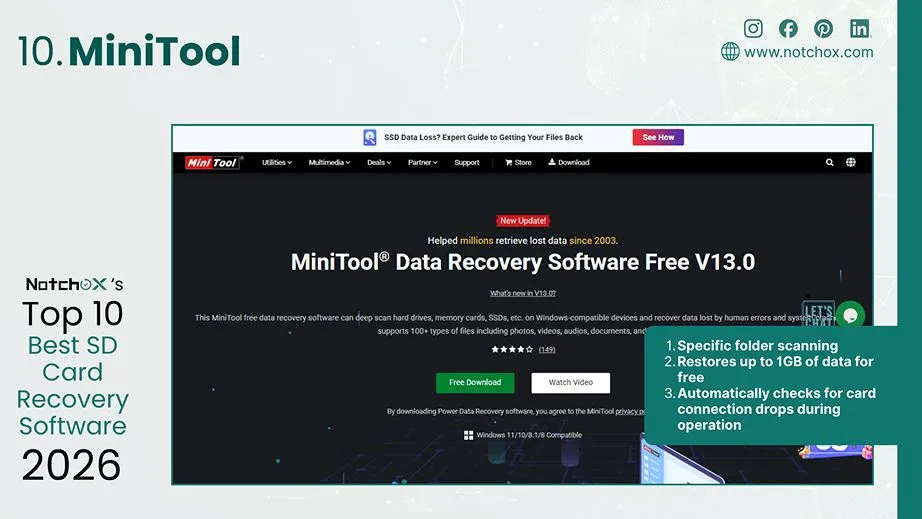
MiniTool Power Data Recovery is another reliable data recovery program designed to make finding lost files on SD cards and microSD cards straightforward. It is last on our list because it lacks cross-platform flexibility and modern video reconstruction features. Though it handles standard logical failures (accidental formatting or deleted photos) very smoothly, it struggles with complex modern device failures.
| Pros | Cons |
|
|
Decision Matrix
| Tested Success Rate | Pricing | Target Device |
| 95% | $69.00 /Month Tier | Windows Dashcams & PCs |
After analysing all ten SD card recovery software options, here is a side-by-side comparison of their core technical features. Use this decision table to weigh the software options and balance data safety, speed, and efficiency for your specific SD card recovery requirements.
| Software | User Interface | Supported File Type | File Preview | Corrupted SD Card Recovery | Formatted SD Card Recovery | Free Trial |
| Notchox Data Recovery Software | Clean & Modern Interface | 1,000+ | ✅ | ✅ | ✅ | 48-Hour Demo Preview |
| Disk Drill | Modern Interface | 400+ | ✅ | ✅ | ✅ | Preview only (Mac)/ 500 MB Free (Win) |
| EaseUS Recovery Wizard | Modern Interface | 1,000+ | ✅ | ✅ | ✅ | Up to 2 GB Free Data |
| Stellar Recovery | Simple Interface | 300+ | ✅ | ✅ | ✅ | Unlimited Free Preview Only |
| Recuva | Legacy Interface | 100+ | ✅ | ✅ | ✅ | 100% Unlimited Free Version |
| PhotoRec | No (Terminal) | 480+ | ❌ | ✅ | ✅ | 100% Free & Open-Source |
| R-Studio | Technical Interface | 500+ | ✅ | ✅ | ✅ | Free Preview/ 256 KB Limit |
| UFS Explorer | Complex Interface | 200+ | ✅ | ✅ | ✅ | Free Preview/ 256 KB Limit |
| Wondershare Recoverit | Modern & clean Interface | 1,000+ | ✅ | ✅ | ✅ | Free File Preview Only |
| MiniTool | Modern Interface | 100+ | ✅ | ✅ | ✅ | Up to 1 GB Free Data |
Choosing the right SD card recovery software depends completely on your specific data crisis. Apart from that, the choice depends on various factors such as budget, success rate, target devices, and features, which we have analysed for you. Notchox Data Recovery Software stands out as a highly reliable and cost-effective tool for targeted flash media rescue. Its impressive 99% success rate and direct optimization make it an exceptional choice for users.
Do not wait for a corrupted card to worsen. Use your preferred tool from our list and recover your data smoothly.
Ans: SD card data recovery is the technical process of restoring lost files from flash storage blocks. Specialised software is used to bypass standard operating system errors to access the card and restore files.
Ans: Notchox Data Recovery Software is the best choice for SD card data recovery, being the budget-friendly choice with the most advanced features. It delivers fast results without heavy system memory resource drain.
Ans: PhotoRec and Recuva are the absolute best free data recovery tools available.
Ans: No, the logical recovery process for SD cards and microSD cards is completely identical. Both card types use flash-based NAND memory block configurations. They use the same exFAT or FAT32 file directory layouts. The only difference is physical size.
Ans: No, data recovery software treats all flash media storage layers uniformly. The scanning engine analyzes every sector regardless of physical card casing designs.
Ans: No. Software cannot fix or restore data from physically cracked memory cards. Cracks might break internal silicon NAND flash memory chip layouts. This destroys data permanently for software.
Ans: Running a software on corrupted storage is risky. It is always safest to create a byte-level disk image clone first, then scan that safe local copy.
Ans: PhotoRec is an elite open source terminal program that can run on Linux environments too. For full graphical user interfaces, professional tools like R-Studio provide recovery scans on Linux.

Kajal Singh is a Data Recovery Writer at Notchox, specializing in data recovery, storage systems, RAID, and digital forensics. She writes technical processes, tools, and cases into clear, engaging articles, blogs, and guides. Kajal does thorough research, deep analysis, and collaborates with experts to produce high-quality and engaging content that is easy to understand for every reader.